
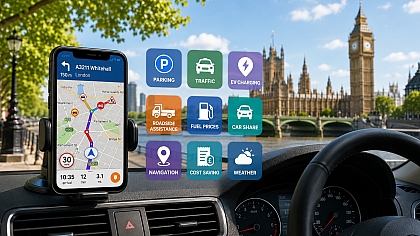

8 London Travel Apps & Websites That Make Getting Around Easier
Navigating London can be a significant challenge for first-time visitors and seasoned locals alike. The city's vast, multi-layered transport system requires the right digital tools for efficient and stress-free travel.
We will provide a focused selection of eight indispensable apps and websites, each chosen for its ability to solve a specific navigation problem, save you money, or unlock a smoother travel experience. These tools combine official data with innovative features to give you confidence on every journey.
1. Master Multi-Modal Journeys with Citymapper
This app is the definitive tool for finding the smartest route from A to B using any combination of transport. It excels in real-world conditions by analyzing every possible option.
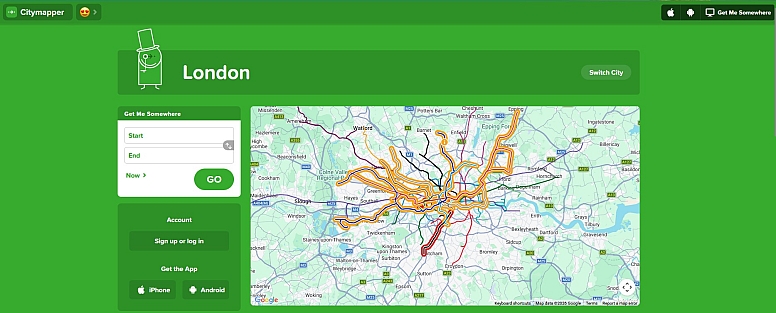
- Why It Works: Citymapper aggregates live data from Transport for London (TfL), National Rail, and other services to calculate not just the fastest route, but also the cheapest, least crowded, or most step-free. Its algorithms account for real-time disruptions, walking speed between connections, and even weather.
- How to Use It: After entering your destination, review the colour-coded options (Tube, bus, rail, cycling, etc.). Pay close attention to the "Get Me Home" widget, which you can pre-set—it's invaluable after a long day. For Tube journeys, use the "rainbow" and "carriage" features to find the best entrance and where to stand on the platform for the quickest exit.
- Avoid This Mistake: Don't just default to the first suggested route. Scroll through the alternatives; a route combining a short bus ride with the Tube can often be faster and involve less walking than a direct but congested Tube line.
2. Access Official Transport Data with TfL Go: Live Tube, Bus & Rail
As the official app from Transport for London, TfL Go is your primary source of truth for service status, live arrivals, and managing your Oyster or contactless payments.
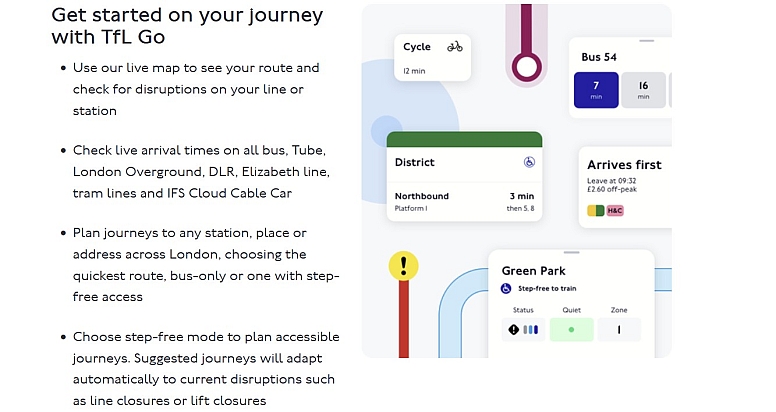
- Why It Works: It pulls data directly from TfL's operational systems, offering the most reliable live departure boards, status updates (showing minor delays, good service, or closures), and a zoomable map of the entire network. Its step-free access journey planner is the most authoritative for mobility needs.
- How to Use It: Use the map to visually plan your route or search for stations. Before heading out, always check the status line on the home screen for your chosen line. The app also allows you to top up your Oyster card, see your journey history, and check your pay-as-you-go balance.
- Avoid This Mistake: Relying solely on TfL Go for end-to-end journey planning that involves non-TfL services like mainline trains. While excellent for TfL services (Tube, bus, Overground), it doesn't always integrate National Rail options as comprehensively as other apps.
3. Navigate the Underground Offline with Tube Map – London Underground by Mapway
The Tube Map app by Mapway provides the classic London Underground map on your phone with full offline functionality, making it a crucial backup when you lose connectivity underground.
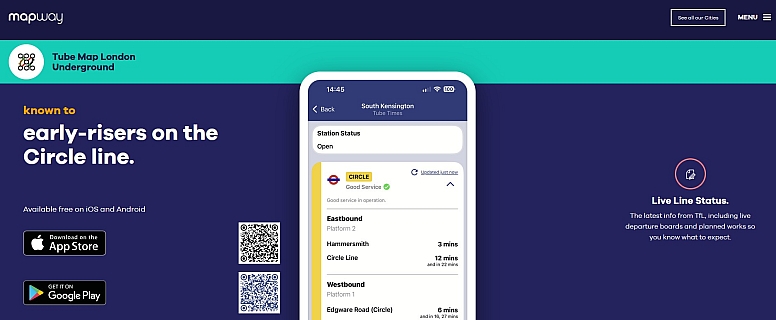
- Why It Works: Its core utility is simplicity and reliability. It stores the entire Tube map and a journey planner locally on your device. The "Walking Tube Map" feature is particularly clever, highlighting stations where walking above ground is quicker than taking the Tube.
- How to Use It: Download it before your trip. When you're in a station without a signal, you can still plot a route, see line statuses (if you checked while online), and identify interchanges. Use the station information pages to find exit maps and facility details.
- Avoid This Mistake: Using it as your primary, day-to-day routing app. While its planner is functional, it lacks the real-time, multi-modal intelligence and live crowding data of Citymapper or TfL Go. Its strength is as a dedicated, fail-safe offline companion.
4. Cycle the City with Santander Cycles
The official Santander Cycles app transforms London's ubiquitous bike-share scheme from a logistical puzzle into a convenient transport option for short point-to-point trips.
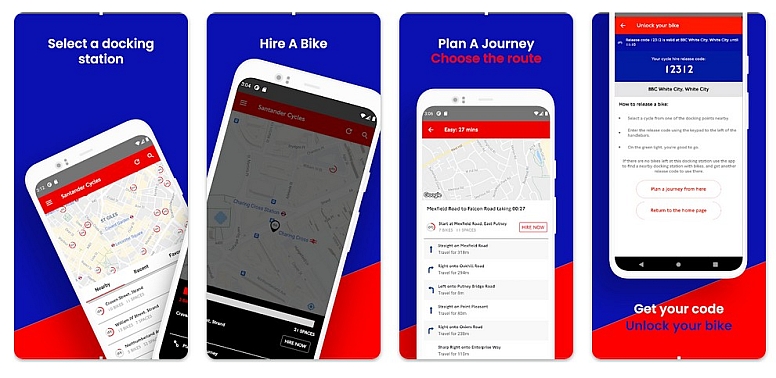
- Why It Works: It gives you live, map-based visibility of every docking station, showing the exact number of available bikes and empty docking points. This prevents the frustration of arriving at an empty or full station. You can get your bike release code directly through the app.
- How to Use It: Locate a station with available bikes near you, and a station with free docks near your destination. Plan your route using the in-app map or link to your phone's navigation. Remember, the first 30 minutes of every journey are included in the access fee, making it ideal for quick hops.
- Avoid This Mistake: Assuming you can just turn up and find a bike. Always check the app first, especially in central zones during peak hours. Also, failing to properly lock the bike back into a dock (waiting for the green light) will result in continued charges.
5. Travel by River with Uber Boat by Thames Clippers
This app is essential for anyone wanting to use London's fast, frequent, and scenic river bus service, which operates between key piers like Putney and Woolwich.
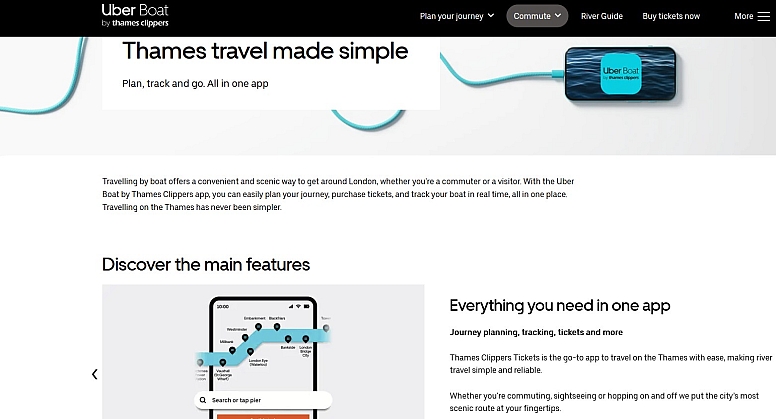
- Why It Works: It centralizes all river transport planning. You can see live boat tracking on the Thames, check precise timetables, and—most importantly—buy and store mobile tickets, often at a small discount compared to buying on the pier.
- How to Use It: Plot your journey between piers to see departure times and journey duration. Purchase a single fare, a day river pass, or add a river bus option to your Oyster/contactless pay-as-you-go (must be tagged on/off at pier readers). The app also shows connecting transport links at each pier.
- Avoid This Mistake: Thinking of it solely as a tourist cruise. It's a genuine commuter service and can be the fastest way to travel between east-west points like London Bridge and North Greenwich (for the O2 Arena). Check its speed versus land-based options for your specific route.
6. Discover What to Do with the Official Visit London App
This is the official destination app from London's tourism board, designed to help you plan your itinerary, discover events, and find key attractions with trusted information.
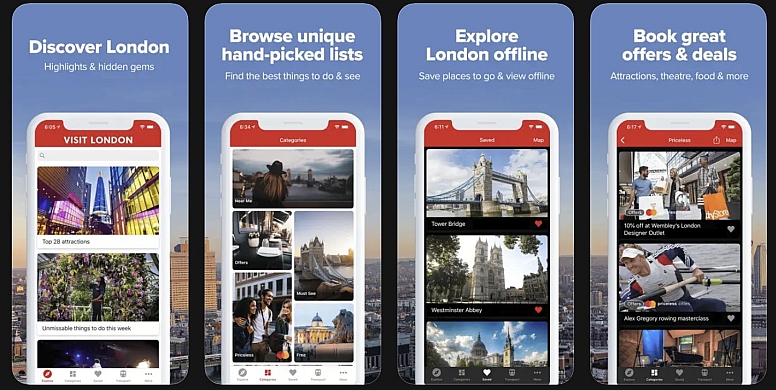
- Why It Works: It curates ideas based on interest (history, family, food, etc.) and provides practical details like opening hours, prices, and booking links directly from the source. The offline maps and saved attraction features are very useful for day-to-day sightseeing.
- How to Use It: Browse the "Things to Do" and "Itineraries" sections for inspiration. Use the map view to see what's near you or near your next transport stop. Save favourite places to a list to build your own personalised plan.
- Avoid This Mistake: Using it for real-time transport routing. While it has basic "get directions" links, its strength is discovery and information, not live journey planning. Use it to decide where to go, and a transport app to determine how to get there.
7. Plan Accessible Trips with AccessAble
AccessAble provides detailed, survey-based accessibility guides for thousands of venues across London, from Tube stations and museums to hotels and restaurants, making it vital for travellers with specific access requirements.
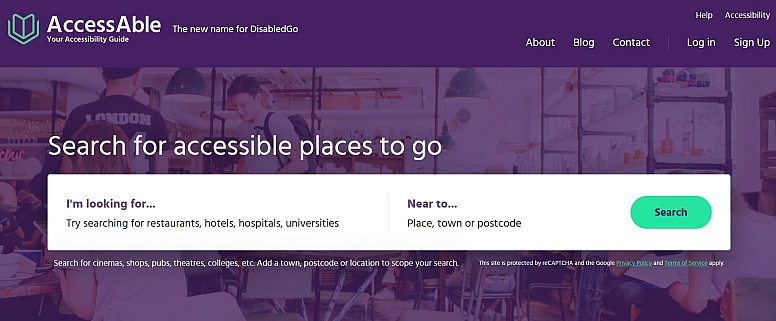
- Why It Works: Its guides are created by trained surveyors, offering precise, objective measurements and descriptions far beyond a simple "yes/no" for wheelchair access. It covers everything from step-free routes and toilet dimensions to hearing loop availability and lighting levels.
- How to Use It: Search for a specific station or venue (e.g., "British Museum" or "Covent Garden Tube Station") to access a comprehensive PDF-style guide. Use it proactively to plan your day and identify potential barriers before you travel.
- Avoid This Mistake: Assuming standard transport apps provide sufficient accessibility detail. While TfL Go offers a step-free journey planner, AccessAble gives you the detailed, on-the-ground information needed to confirm if a route or venue will work for your individual needs.
8. Save on Rail Travel with Trainline
While not London-specific, Trainline is indispensable for any day trips outside the capital or for longer UK rail journeys starting from a London terminal. It's a universal aggregator for UK rail tickets.
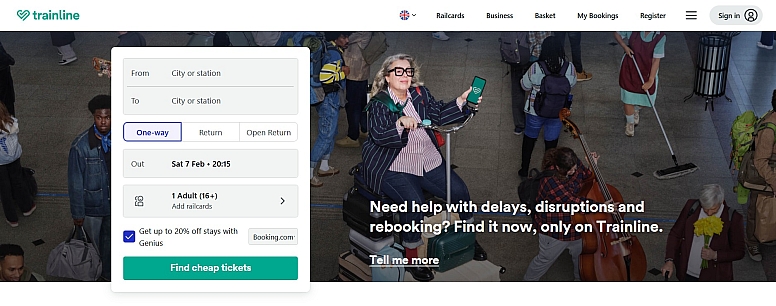
- Why It Works: It compares fares and times across all national rail operators, often finding cheaper split-ticket options automatically. Its mobile ticketing (e-tickets and barcode collection) is seamless, and live journey tracking with platform alerts is reliable.
- How to Use It: Book tickets in advance for the best prices. Enable "SplitSave" in the settings to allow the app to find split-ticketing deals. Always check the "live" tab on the day of travel for real-time delays, platform changes, and crowding information.
- Avoid This Mistake: Booking last-minute on the app for immediate travel when you're already at the station. It's often cheaper and quicker to use the station's ticket machines or tap in with a contactless card/Oyster for shorter regional journeys where pay-as-you-go is accepted.
Mastering London's transport is about having the right digital toolkit. Start with a primary router like Citymapper or TfL Go, layer on specialist apps like Santander Cycles or AccessAble based on your plans, and use Trainline to unlock the rest of the UK. By installing these before you go, you turn a complex network into a manageable, even enjoyable, system to explore.
LEAVE A COMMENT
Recent Posts











0.3326